What Is Microsoft SCVMM? A Beginner’s Guide
• Nathaniel Miller
If you manage a virtualized Microsoft datacenter, you eventually outgrow managing hosts one at a time. SCVMM (System Center Virtual Machine Manager) is Microsoft’s answer: a centralized management platform for your virtualization infrastructure, from Hyper-V hosts to VMs, networking, and storage, all from a single console.
This guide explains what SCVMM is, what it does, the key concepts you will hear in any administration course, and where it fits in a modern Microsoft environment.
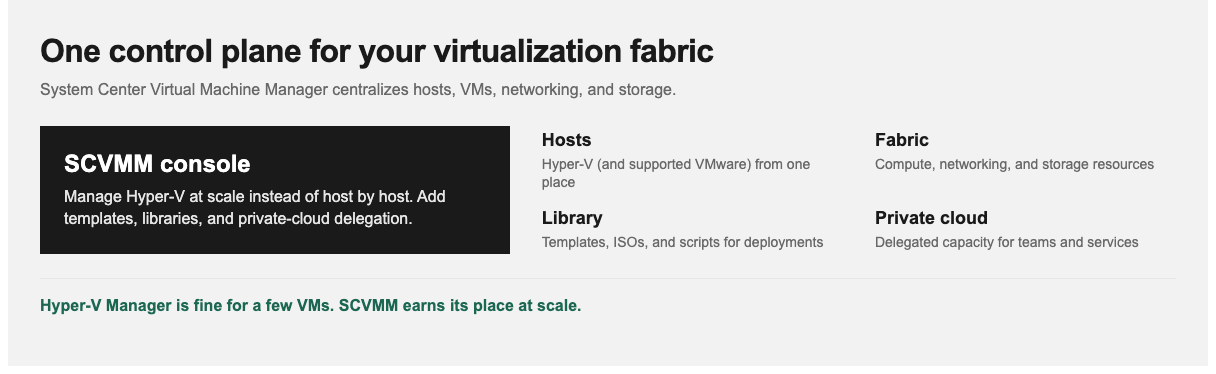
SCVMM becomes valuable when host-by-host management stops scaling.
What Is SCVMM?
System Center Virtual Machine Manager (SCVMM) is a management tool in the Microsoft System Center suite for configuring and managing virtualization hosts, networking, and storage resources so you can create and deploy virtual machines and services at scale. In short, it is the control plane for a Microsoft-centric virtualized datacenter. Its primary focus is Hyper-V, and it can also manage VMware environments alongside Hyper-V in many deployments.
What Does SCVMM Do?
- Centralized host management: manage many Hyper-V (and, where supported, VMware) hosts from one console
- VM lifecycle: provision, deploy, and manage virtual machines at scale using templates
- Fabric management: manage the underlying “fabric”: networking, storage, and library resources
- Private cloud: build and delegate private-cloud capacity to teams
- Templates and services: standardize deployments with VM and service templates
- Automation: reduce repetitive work with PowerShell and advanced configuration techniques
Key Concepts You Need to Know
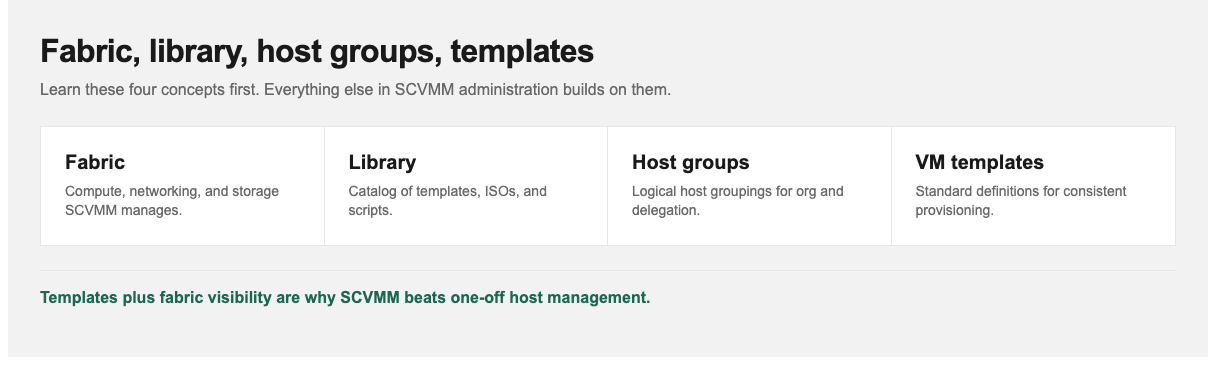
Fabric is the resources. Library is the catalog. Templates make deployments repeatable.
- Fabric: the compute, networking, and storage resources SCVMM manages
- Library: a catalog of building blocks (templates, ISOs, scripts) for deployments
- Host groups: logical groupings of virtualization hosts for organization and delegation
- VM templates: standardized definitions for rapid, consistent VM provisioning
Once those four ideas click, the rest of SCVMM administration (delegation, private clouds, service templates) builds on the same model.
Where SCVMM Fits
SCVMM is one component of Microsoft System Center. It is most valuable in medium-to-large environments where managing hosts and VMs individually becomes impractical, and where standardization, delegation, and private-cloud capabilities matter.
For a handful of VMs, native Hyper-V Manager may be enough. SCVMM earns its place at scale: when you need consistent templates, fabric visibility, delegated capacity, and operational automation across many hosts.
How to Learn SCVMM Administration
SCVMM is deep. Administering it well (fabric, networking, libraries, templates, private clouds, and automation) is a specialized skill. StormWind Studios’ Microsoft SCVMM 2025 Administration course is a 3-hour intermediate program taught by Sam Burr. It focuses on hands-on administration, automation, and optimization: installing and configuring SCVMM components, managing virtualized environments, and solving real deployment and operational issues with PowerShell and advanced configuration techniques.
Confirm version and lab details on the live course page before you enroll, since Microsoft System Center product lines update over time.
For more information, visit stormwindstudios.com or reach out to [email protected].
Frequently Asked Questions
What does SCVMM stand for?
System Center Virtual Machine Manager.
Is SCVMM only for Hyper-V?
No. Its primary focus is Hyper-V, but it can also manage VMware vSphere environments in many setups. Check current Microsoft docs for your version’s supported integration details.
Is SCVMM part of System Center?
Yes. It is a core component of the Microsoft System Center suite.
When should a team adopt SCVMM?
When host-by-host Hyper-V management stops scaling, and you need templates, fabric management, delegation, or private-cloud capacity across many hosts.